
Chapter 1: What is Design Space?
IN THIS LESSON
Time to explore!
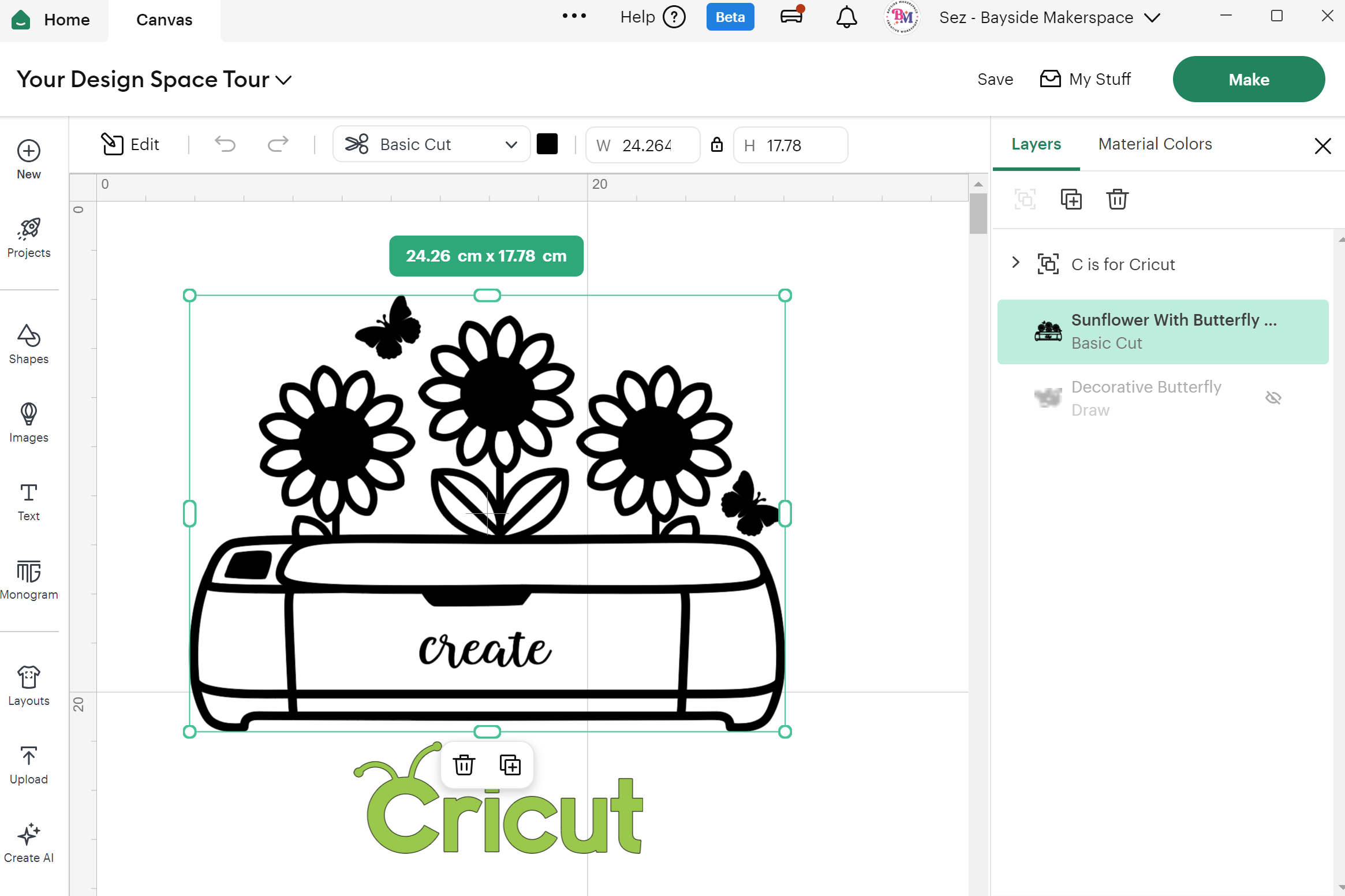
Get a guided tour of the Design Space Settings and dashboard so you know exactly where to click and what everything does. We’ll walk through the canvas area, toolbar, design panel, and project browser — so you can stop guessing and start creating.
Discovery Landing Page
Canvas Screen
Design Panel
Editing Toolbar
Layers Panel
Mat Preview
Help access
-
Here are the links to some helpful resources mentioned in the tutorial.
Access to the official Cricut Design Space videos and cheat sheets are from Help button within Design Space